Guests Can Finally Store Disney Gift Cards as a Payment Method
If you love using Disney gift cards on vacation, we have excellent news for you! You can finally store your Disney gift cards to use as a payment method for Walt Disney World and Disneyland!
Disney Gift Cards
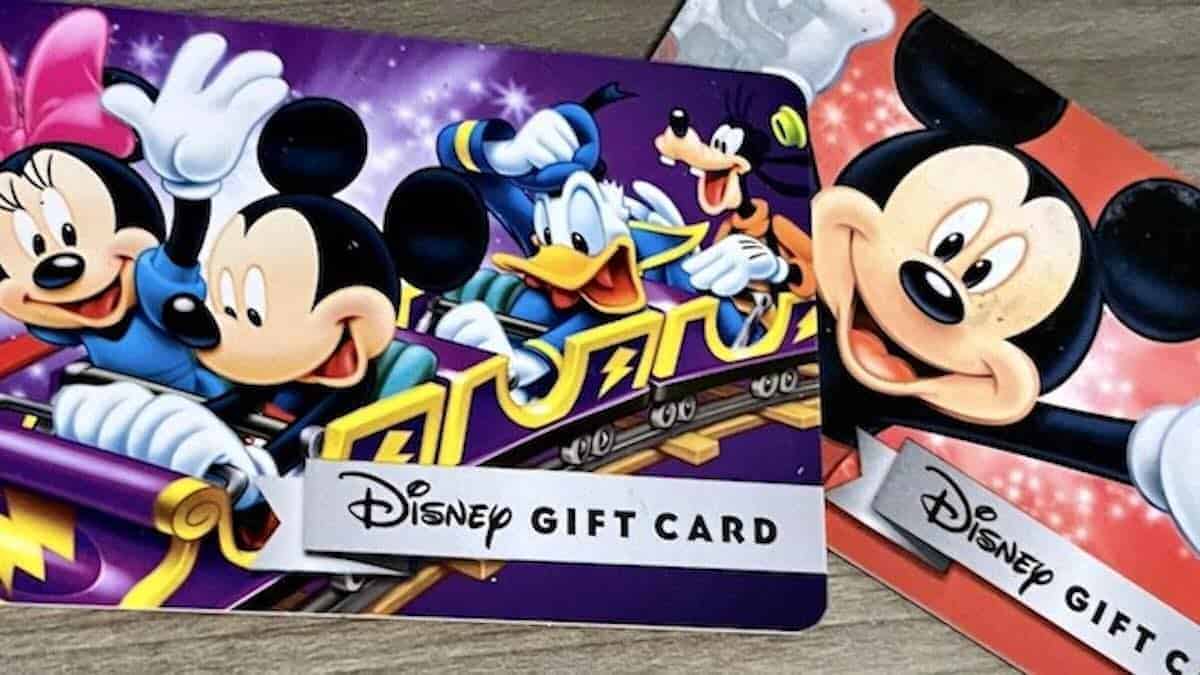
Some Disney Parks Guests love to save money by using discounted Disney gift cards to pay for their vacations. After all, almost everything on Disney Parks property, from hotel rooms in the Disney Resort Collection to Disney World or Disneyland tickets to food to souvenirs, can be paid for using Disney gift cards. DVC members can even use a gift card to pay off their dues!
If you want to know more about discounted Disney gift cards, we have you covered. You can read about places to find them all year round right HERE.
And be sure to check the blog for even better discounts announced throughout the year! For now, we have a HUGE piece of Disney gift card news for you.
MyDisney Wallet
Disney gift card users have long wished for a way to store their Disney Gift Cards in the respective Walt Disney World or Disneyland App so they can easily be used for paying for mobile orders and merchandise in the parks. Up until now, it was possible to use the Disneygiftcard.com site to combine gift cards and check balances.
However, a physical or digital gift card was still required to make purchases. Guests had to type the gift card information into the mobile ordering checkout page or swipe or scan a gift card at a register.
Now all that has changed! Guests can finally store their Disney gift cards using the Disney App!
This is possible through the MyDisney Wallet feature, available in the My Disney Experience App. I (Kate) noticed it on my most recent visit to the parks and was delighted! It is a small but mighty change!
Adding a Gift Card to MyDisney Wallet
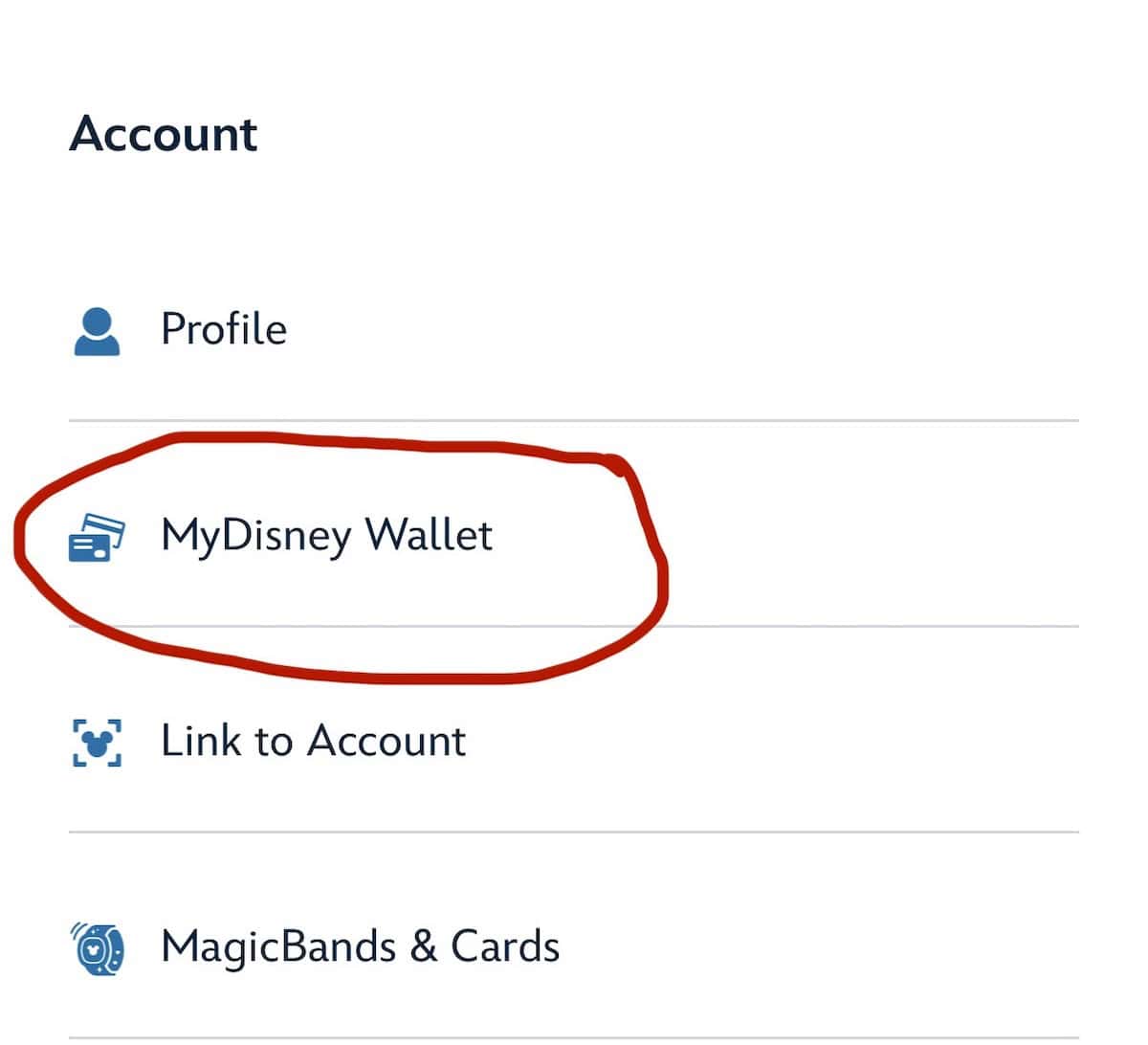
Adding a Disney gift card to MyDisney Wallet is easy. Simply scroll to the feature in the My Disney Experience App. It is under the "Account" section, just below "Profile."
Make sure your My Disney Experience Account is Updated!
From there, a landing page for "Payment Method" will open. You can store up to 6 Disney gift cards in this digital wallet within the app.
Here, you can manage each of your gift cards. You can select them as a form of payment for mobile ordering or mobile checkout. You can also open each one to reveal a barcode to scan at registers. It is important to note that Lightning Lane purchases are not yet supported.
I also noticed that the cards I had saved in Disneygiftcard.com automatically populated in MyDisney Wallet. This is also a nice touch that saved me some time.
It will save the hassle of fishing out a card at each transaction or of typing in the number for mobile orders. It is a small but appreciated measure.
Are you happy to see that Disney has added a way to store and manage gift cards in the My Disney Experience App? Let us know! And, be sure to pass this happy news along to your friends and family who are planning a visit to the parks.